
Alpinesoft Billing Software: Features, GST Invoicing & Guide for Small Business
Completing a sale is only one part of running a small business. You may also need to create an invoice, update stock records, record a payment, and find those details again later. When information is spread across notebooks and separate files, routine work can take longer than it should.
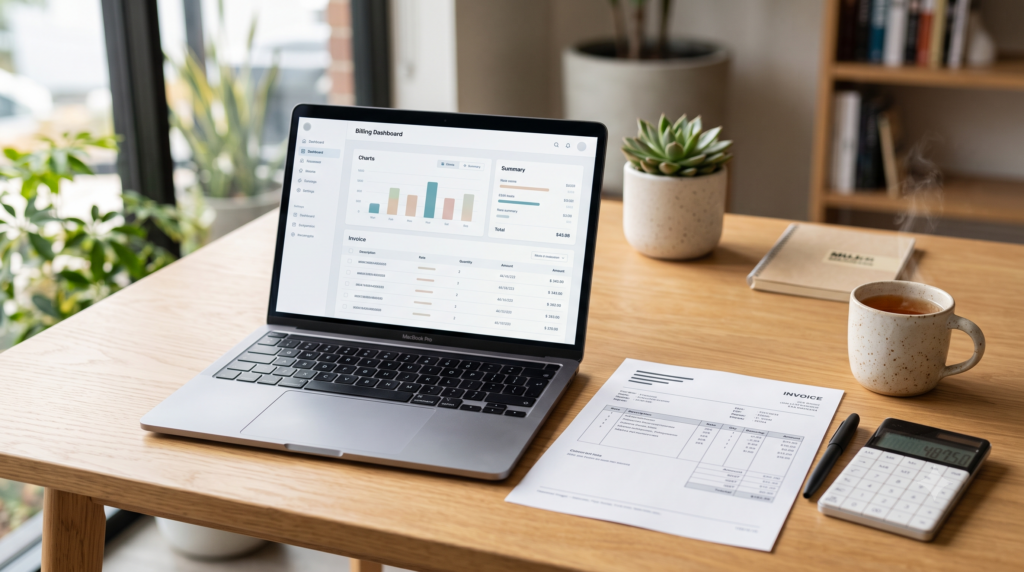
Billing Software is one of the Alpinesoft IT Products designed to help businesses organize billing and related records. This guide explains where such software may be useful and what to check before choosing it for your business.
What Is Alpinesoft Billing Software?
Alpinesoft Billing Software is presented as a billing and business management solution developed by New Delhi–based AlpineSoft IT Solutions Pvt Ltd. According to the information provided, it is intended to support work involving invoicing, inventory, and financial records.
Before adopting it, confirm which features and versions are available for your business. Billing and reporting needs can differ considerably from one business to another.
How Can Billing Software Help a Small Business?
Billing software can give a business a consistent way to record sales. This can make it easier to see which customer received an invoice, which payments have been recorded, and where to find stock information.
A retailer, for example, may need to record many sales each day. A service provider may care more about customer invoices and payment follow-ups. Their needs are different, so the right starting point is your own workflow.
Which Tasks Could Alpinesoft Billing Software Support?
The supplied description mentions billing, invoicing, inventory, and financial tracking. Here is what those areas mean in day-to-day business use:
| Business task | How the software may help |
|---|---|
| Billing and invoicing | Create invoices for products sold or services provided. |
| Inventory records | Keep product and stock information organized. |
| Payment records | Record payments received and identify outstanding amounts. |
| Financial records | Review recorded transactions to understand business activity. |
This table explains possible uses. Confirm the availability of any specific report, automation, or integration before purchasing.
What Should You Check for GST Invoicing?
If your business issues GST invoices, test the software with one of your actual invoices during a demo. Check whether you can enter the customer, product or service, and tax details your business needs. Consult your accountant or tax adviser about the rules that apply to your invoices.
Why Do Stock and Payment Records Matter?
A sales record becomes more useful when you can also see the related stock and payment status. Organized records may help a business owner follow up on outstanding payments and check available products.
Which Businesses Might Find It Relevant?
Alpinesoft Billing Software may be worth considering for businesses looking to move from manual billing to a more structured digital process. Examples include:
- Retail stores that need to record regular sales and product details.
- Wholesale businesses that handle numerous invoices and stock records.
- Service providers that invoice clients and record payments.
- Growing small businesses that want a consistent billing process.
The best way to judge whether it fits a particular industry is to test it against that business’s actual workflow.
What Should You Check Before Choosing It?
Alongside the feature list, consider how your team would use the software every day.
- List your requirements. How many invoices do you create? Do you need stock and outstanding payment records?
- Request a practical demo. Try creating a typical invoice and entering a few of your products.
- Confirm platform availability. The supplied description mentions web-based and on-premises deployment, as well as Windows, Mac, Android, and iOS. Ask the company which options are currently available and how they work.
- Ask about data and support. Find out how existing records can be imported, how data can be exported or backed up, and what technical support is provided.
- Clarify the total cost. Request written details of applicable fees, setup, training, and support terms.
Conclusion
Billing Software is one of the Alpinesoft IT Products that may be relevant to businesses seeking a more organized way to manage invoices, stock, and payment records. The deciding factor is how well the software fits your daily work.
During a demo, use your real billing examples. Confirm the available features, platforms, support, and costs before making a decision.